
Clientflow Platform Updates: 30 March - 5 April 2026
Twenty-four new features landed in the first week of April. Gift cards are now available to every account, Blog Post AI produces a complete draft post from a topic, and a new schema markup generator handles structured data for your pages in about two minutes. Here is everything from 30 March to 5 April 2026.
AI
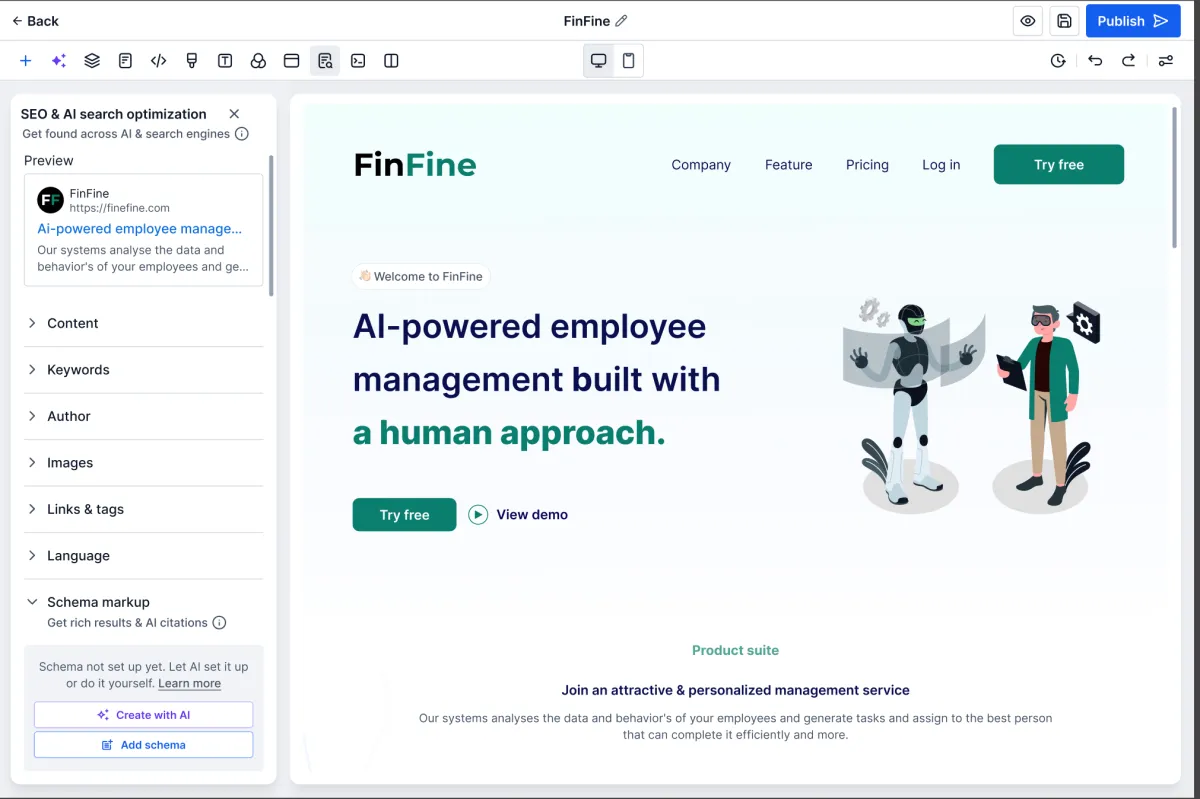
AI Schema Markup Generator
Schema markup is the structured data that tells Google, and tools like ChatGPT, what a page is actually about. The Schema Builder we covered in the 2-15 March roundup let you add it by hand. This new generator does the work for you: it reads the page, picks the right schema types from a library of more than 200, fills in the fields, validates the result and saves it. What used to take twenty to thirty minutes per page now takes about two. You can refine the output through a chat interface if you want something specific. More detail

Email AI: Knowledge Base Integration
Email AI can now draw on your Knowledge Base when it drafts or improves an email. That means AI-written email content reflects your actual products, services, policies and FAQs rather than general knowledge. New and updated Knowledge Base articles are picked up automatically, so the AI stays current as your content changes. If you have already built out a Knowledge Base for your other AI tools, this puts it to work in a second place with no extra setup. More detail
Blog Post AI
Give it a topic and Blog Post AI returns a complete draft: outline, headings, written paragraphs, SEO title, description and keywords, and generated images. The editor then lets you regenerate individual paragraphs, adjust tone, clarity or length, swap or remove the images, translate the post into another language, and point the AI at URLs or images as source material. It is a starting point rather than a finished article, but it turns a blank page into a working draft in minutes. More detail
AI Builder: Smarter Data Linking
When the AI Builder generated a workflow, it sometimes dropped the prompt instruction into a field instead of the data. A task description would read “Write a task description for following up with the contact” rather than the contact’s actual details. That is now fixed across AI actions and the Create Task action, so generated workflows pass the right variable into each field. The workflows you generate are closer to production-ready and need far less correction before you publish them. More detail
AI Builder: Clarifying Agent
Vague prompts used to produce workflows built on guesses. The Clarifying Agent now asks up to three targeted questions before it builds anything. Type “follow up with the customer” and it will ask which channel, what delay, and what the follow-up is meant to achieve. It specifically looks for missing triggers, undefined channels and references to platforms it cannot use. The result is fewer rounds of correction to get to the workflow you actually wanted. More detail
CRM
Pipeline Kanban: Collapsible Stages and Resizable Columns
Pipelines with a lot of stages meant a lot of horizontal scrolling. You can now collapse any stage to a narrow column showing just its name and deal count, and drag stage columns to whatever width suits. Collapsed stages expand again in one click. Your column widths are stored in your browser, so the layout you set stays put between sessions. If you run a pipeline through enquiry, quoted, negotiating, won and lost, you can now keep the active stages wide and the settled ones out of the way. More detail
Notes: Titles, Labels and File Attachments
Notes on a contact record have grown up. Each note can now carry a title and a colour label, so you can categorise them and pick out the important ones at a glance. Files attach directly to the note, which keeps supporting documents with the record they relate to instead of somewhere else. Up to two notes can be pinned to the top of the timeline, and search now runs across both titles and note text. More detail

Appointment Booking in Opportunities
Booking an appointment from inside an opportunity used to be a stripped-back experience separate from the scheduling flow used everywhere else. It now opens the full booking modal, with calendar selection, time slots, pre-filled contact details and service selection. If the opportunity already has an appointment, the modal opens pre-filled for editing. For anyone who manages their sales pipeline in Opportunities and books calls off the back of it, scheduling now happens where the deal lives. More detail
Custom Field Sorting in Pipelines
The Opportunities list view can now sort by your custom fields, not just by creation date or value. Job size, priority score, service type, expected close date: if you have built the field, you can now sort by it, in both the list view and custom object views. Multi-select dropdown, checkbox and textbox list fields are not supported. The fields you set up to describe how your business actually works become sorting tools rather than static data on a record. More detail
Automation
Advanced Builder: Stats Controls, Auto Layout and Click Animations
Three changes to the Advanced Workflow Builder aimed at large workflows. Stats Controls toggle the execution statistics overlay on and off, so you can read the numbers without them sitting over your canvas permanently. Auto Layout tidies the whole canvas, or just the nodes you select, into a readable structure in one click. Click animations give visual feedback as you work, which helps you keep track of what you are editing. These sit alongside the sticky notes, colour coding and keyboard shortcuts already in the builder. More detail
Workflow Builder: Find and Replace
Click the search icon in the builder, or press Alt+F on Windows or Option+F on Mac, and you can now search a workflow for custom values, tags or text. Search handles partial matches and ignores case. You can then replace custom values and tags one at a time or all at once. The builder jumps to each matching node so you can confirm before applying, and the standard Undo reverses it. When a custom value gets renamed or a tag changes after a rebrand, this replaces opening every node in turn. More detail
Appointment Triggers: Guest Participant Support
Appointments can now carry guests, where the person booking adds other attendees by name and email. Workflow triggers previously fired only for the primary contact, which left guests out of any automated notification or follow-up. Triggers can now account for guest participants as well. If you run couples consultations, family appointments, group sessions or meetings with several people from the same business, your reminder and follow-up automations now reach everyone on the booking. More detail
Marketing
QR Code Design Options
QR codes were plain squares with no styling. They now support rounded and circular shapes, custom borders and frames, and rim text: a short call to action running along the top and bottom edge. Rim text is the useful one, because “Scan to book” or “Scan for a quote” tells people what the code does before they point a phone at it. Codes on your signage, vehicle wraps, flyers and business cards can now match your branding without a separate QR tool. More detail
Ad Manager UI/UX Revamp
The Ad Manager has been rebuilt end to end on a consistent design system: campaign builder, campaign listing, settings screens, audience creation dialogs and the review and publish screen. The listing page now uses a table layout with accordion rows showing spend, leads, clicks, cost per lead and click-through rate at a glance. Filtering, search and date range selection have all been reworked. Reviewing performance and finding a specific campaign both take fewer clicks than they did. More detail
Communication
Form Responses in Conversation Threads
When a contact submits a form or survey, their answers now appear inline in the Conversations thread rather than only on the contact record. Whoever picks up the conversation can see what the contact filled in without opening another screen. If you use forms for enquiry intake or to qualify leads before a call, the context is there the moment you open the message. More detail
Embedded Live Chat Widget
The live chat widget can now sit inline inside your page content, not only as a floating bubble in the corner. That lets you place it at the points where people actually have questions: beside a pricing table, next to a call-to-action button, or inside a service description. The embedded version supports the same theme, messaging and branding options as the floating one. More detail
Payments
Gift Cards
Gift cards have moved out of Labs and are now available on every account. You can create, sell, send and redeem them for your products and services, either through your online store or by sending them directly. Balances are tracked automatically and customers redeem at checkout. Beyond straight sales, gift cards give you a way to issue store credit instead of a refund, reward a referral, or let a happy client buy your service for someone else. No separate gift card platform required. More detail
Coupon Targeting: Specific Product Variants
Coupons can now be targeted at a specific price or variant rather than an entire product. Discount the small size but not the large, or the monthly plan but not the annual. A nested selection view lets you pick all variants under a product or particular ones. The Coupon Code Applied and Coupon Code Redeemed workflow triggers can also filter by variant, so a promotion on one variant can start a different automation from a promotion on another. More detail
Calendars: Buy Now, Pay Later with Klarna and Affirm
Booking pages for Calendars, Services and Rentals now offer Klarna and Affirm as payment options for accounts using Stripe. The customer splits the cost into instalments; you receive the full amount and the provider carries the instalment arrangement. On higher-value bookings, where the upfront figure is the thing that makes people hesitate, this gives them a way through without discounting your price. More detail
Reporting
Social Planner: Custom Date Ranges and Period Comparison
Social Planner statistics now accept any custom date range instead of only the preset options, and a comparative view benchmarks your chosen period against the equivalent one before it. Compare the last 30 days to the 30 days prior, or this quarter against last. That covers campaign windows, monthly reporting and quarterly reviews without exporting anything or doing the arithmetic yourself. More detail
Websites and forms
Form and Survey Image Layout Controls
Forms and surveys now support Left Centre, Right Centre, Left Fixed and Right Fixed image layouts, so an image can sit beside your fields rather than only above or below them. Centre layouts add corner radius and spacing controls, and fixed layouts include a focal point selector that decides which part of the image stays in frame when it crops. Surveys can set a different image layout on each slide. More detail
Booking and services
Services v2: Date-Based Booking Window
Availability can now be set with an explicit start and end date rather than a rolling window. Once the end date passes, the booking page closes itself. That suits anything with a defined season or run: a photographer taking portrait bookings for a set period, a consultant with a fixed intake window, or a trade business booking a project block. Bookings stop arriving for dates you cannot service. More detail
Services v2: Global Booking Settings for Pricing and Coupons
Pricing display and coupon field visibility can now be set once and applied across every service booking page, rather than configured service by service. Choose whether customers see pricing during booking and whether a coupon code field appears at checkout. If you offer more than a handful of services, this turns a repetitive task into a single setting. More detail
Services v2: Booking Experience Enhancements
A run of refinements to both the in-app booking flow and the customer-facing page. When you create a booking internally, the phone number country code now defaults to your account’s location, you are pre-selected as the staff member, and a banner warns you if the service has become unavailable. Appointment titles gain a custom value selector, so a title can pull in the contact name or the service, with a default format set once in Service Settings. On the customer’s side, category and location filters are hidden when there is only one option, and the upfront payment amount now displays clearly on mobile for bookings that take a deposit. None of these is dramatic alone. Together they remove several of the places a customer or a staff member can stall partway through. More detail
That is the week. Missed the last one? Catch up on the 16-29 March updates.
Already a Clientflow client? If you want to know more about any of these features, or would like them deployed in your account, get in touch with your usual contact on the Clientflow team.
Not yet a client? Book a call with the team, or see the full feature set on the platform capabilities page.
Clientflow is built on the HighLevel platform, delivered with Australian onboarding, support and expert implementation. Read how that works on our GoHighLevel Australia page.


