
Invoicing Software Australia: Xero Sync and Autopayments
Clientflow is an Australian all-in-one CRM with invoicing built in: recurring invoices that charge a saved card automatically, estimates carrying a deposit and instalments, GST and your ABN on every tax invoice, e-signature with card capture on contracts, and a Xero sync you control contact group by contact group. All of it sits inside the flat $345 a month.
An Australian property services business runs three billing patterns at once. The monthly maintenance contract that ought to charge itself and often does not. The $14,000 remediation quote sitting unsigned because the client cannot part with the whole amount in one hit. And the $380 callout invoiced from a phone in a driveway, or not invoiced at all because nobody remembered.
The usual answer is four tools: accounting software for the books, a quoting app for the documents, an e-signature service for the contracts, and a CRM off to one side holding the marketing list. None of them agree on who a contact is or what stage the job is at.
What follows is what Clientflow does about that, including the parts that are web only.
Getting paid without chasing
Recurring work is where the money leaks. An invoice with a payment schedule, or a recurring invoice raised from the dashboard, has autopayment switched on by default rather than needing someone to remember it each time. Scheduled charges collect on their due date against the customer’s saved payment method. For a maintenance contract billed monthly, that is the difference between revenue arriving and revenue being followed up.
Cards live on the contact record. From the mobile app you can save, view and manage a customer’s cards, then reuse them for future charges, subscriptions or in-person payments without asking for the numbers again. A saved card is what an autopayment schedule charges, so the two work as a pair.
For one-off amounts, payment links carry your own wording on the checkout button, up to 50 characters, set under Payments, Payment Links, Advanced Options. “Pay your inspection deposit” reads differently to a generic “Pay”. Invoices, payment links, forms and calendars can each use their own payment provider rather than one default.
Chasing runs itself. Invoice Paid can be set as a workflow goal, which stops a payment-chasing sequence the moment the invoice is settled, so nobody gets a reminder about something they have already done. Tag filtering on invoice triggers supports Any Of and None Of alongside Equals and Not Equals, so a chase sequence can skip anyone tagged Do Not Contact from the outset.
Payment plans, and the deposit that gets a large quote signed
Estimates support payment plans: a deposit taken on acceptance, then instalments on fixed dates or at regular intervals, including percentage splits. Breaking a large quote into instalments is often the thing that gets it accepted, and it costs you nothing off the price. That is the Conversion pillar of the Core 5 Marketing Automations working at the sharpest point in the deal.
Estimates and invoices also take up to 10 file attachments, 20 MB combined, sent with the document when it emails. Photographs of the defect, the scope of works and the compliance certificate travel with the quote instead of arriving in a second email that gets lost.
Where the work is booked rather than quoted, deposits behave differently. Under Services, Global Settings, Payment Settings, with the payment mode set to Online Payment, you can let the customer choose between paying the deposit or the full amount, and percentage deposits calculate after discounts. Klarna and Affirm are available on booking pages for accounts using Stripe: the customer splits the cost, you receive the full amount.
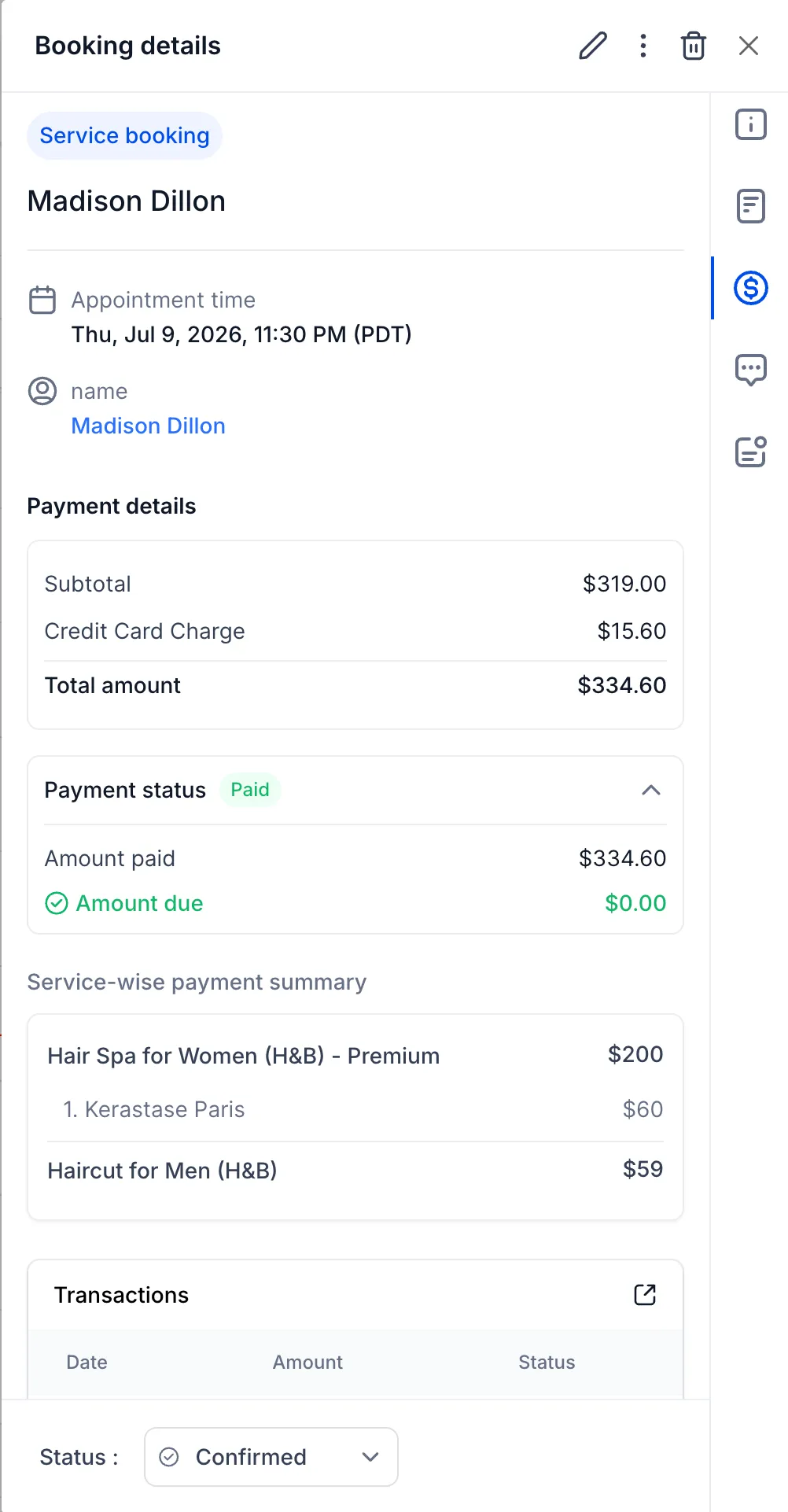
Paid bookings can be edited in place rather than cancelled and rebuilt. Add or remove services, change add-ons, reassign staff or apply a coupon, and totals recalculate with payment reconciled. Refunds process from the appointment modal against the original order, so the payment record stays attached to the booking.

Xero: will the two systems fight over your contacts?
This is the real question behind the search for a Xero-connected CRM, and the answer is that you decide what crosses over.
Two settings control it. The first is which contacts sync, with a choice of all contacts, only customers, only suppliers, or specific Xero contact groups. The second is whether suppliers route separately to business records or stay with your regular contacts. Both sit under Payments, Invoices and Estimates, Accounting Sync, then Manage on the Xero connection. It is web only, Xero only for now, and group filtering needs the groups to already exist in Xero, so set those up on the Xero side first.
That control matters beyond tidiness. A marketing list stuffed with suppliers who never opted in damages your sending reputation quietly, for months before anyone notices.
Above the connection sits an accounting sync dashboard, monitoring what is and is not syncing between your invoicing and QuickBooks, Xero or Wave. It shows live success and failure counts per platform across invoices, transactions and contacts, lets you open a record to see why a sync failed, and retries it in one click. Bookkeeping errors that used to surface at the end of the quarter surface the day they happen. It is web only, Wave syncs invoices only, and retry is per record.

Clientflow is not built to replace your accounting software or your bookkeeper. Xero stays the ledger and stays where your BAS comes from. Clientflow is where the quote is built, the contract signed, the deposit taken and the reminder sent, with the records landing in Xero without anyone re-keying them. If you are moving across from another system, data migration is part of white-glove onboarding.
Quote, contract, deposit: one sequence for the client
Documents and contracts live in the same platform, which closes the gap between a quote being accepted and money moving. Card details can be collected at the moment a recipient signs, using a card capture element added to the document template and processed through your connected payment integration. For anyone who needs both a signed agreement and a deposit before work starts, the client does one thing instead of two.
Signature fields can be assigned to a specific staff member rather than only the sender or the contact, so the person who holds the licence signs on the business side. Contracts can also send themselves: a workflow generates and sends a contract for e-signing with fields populated from contact and opportunity records, so a deal reaching a pipeline stage sends the right template already filled in.
Where documents are sensitive, the document panel on a contact record supports public links, private links, one-time code links that email a passcode, and password-protected links, plus expiry dates, download blocking and access history. Private is the default.
On the client’s side, invoices, estimates, contracts and shared files sit in a single client portal alongside courses, communities and billing, with pending invoices on the dashboard.

Raising an invoice on site
Contact and opportunity records in the mobile app have a dedicated Payments tab. From a contact you can charge on the spot, raise an invoice or estimate, manage saved cards and see lifetime value. From an opportunity you can create invoices and estimates already linked to the deal, so the paperwork attaches itself to the job.

Backing out of an invoice or estimate on mobile with unsaved changes brings up a confirmation offering to save and close or discard, which for anyone quoting on site from a phone is the difference between losing an afternoon of line items and not. On the web, invoices open in their own browser tab, and your filters, search and scroll position survive.
GST and your ABN: what makes it a tax invoice
An invoice and a tax invoice are different documents, and in Australia the difference has consequences. A business customer cannot claim a GST credit against a document that does not qualify, which turns your invoice into a phone call rather than a payment.
Invoices can be configured to calculate GST and show it, and to carry your Australian Business Number. Those are the two items most often missing from invoicing software built for another market, and without them the document is not a tax invoice whatever the heading says.
The ATO’s list for a sale under $1,000 runs to seven items: that the document is intended as a tax invoice, your identity, your ABN, the date issued, a description of what was sold with quantity and price, the GST amount payable or a statement that the total price includes GST, and the extent to which each sale is taxable. At $1,000 and above the buyer’s identity or ABN is required too, and a tax invoice must be provided within 28 days of a customer asking, unless the sale is $82.50 including GST or less.
Set your GST treatment and your ABN once and every invoice carries them. Tax-inclusive and tax-exclusive pricing are both supported, tax applies after any discount, and course and product checkouts calculate it from the buyer’s billing address.
Alongside the tax figures, products can carry a cost price and a margin. Switch on Add Margin, enter an amount or a percentage, and the other calculates itself, with cost data flowing into transaction exports, invoices and a Line Item Cost Price column in the transactions CSV. For a business quoting materials plus labour, that is profitability tracking without a side spreadsheet.
What this costs against a separate invoicing tool
A five-user Australian services business running the scattered version of this pays for accounting software, a quoting tool, an e-signature service, a CRM and an email marketing platform, plus the middleware holding them together. Our estimate for that stack is roughly $2,300 to $2,600 per month.
Clientflow is $345 per month including GST, flat, with unlimited users and contacts, or $3,450 for the year, which is twelve months for the price of ten. Invoicing, estimates, payment plans, documents and contracts with e-signature, payment links, saved cards, the accounting sync and the client portal all sit inside that figure, with nothing charged per user or per document sent. Alongside them are the parts with nothing to do with billing: pipelines, automations, booking calendars, review requests, the AI receptionist that answers calls you miss. The full list is on the pricing page.
Two honest caveats. Card processing fees are still paid to your payment provider at their rates, exactly as they are today. And usage-based costs apply where you use AI or messaging: Voice AI is US$0.032 per minute, Conversation AI US$0.03 per message, with SMS and calls paid directly to Twilio at carrier cost. The case for consolidating the stack rests on the subscriptions and the integration work rather than on processing fees, which nobody escapes.
What this looks like in practice
Priya runs a seven-person property maintenance business on the Gold Coast. Two thirds of her revenue is monthly maintenance contracts; the rest is remediation work quoted job by job.
The contracts are recurring invoices raised from the dashboard, with autopayment on by default, charging the saved card on each due date. Priya sees them arrive rather than sending them.
A body corporate asks for a balcony waterproofing quote. Her supervisor builds the estimate on his phone at the site, attaches four photographs of the defect and the scope document, and sets a payment plan: 20 per cent deposit on acceptance, then three instalments on fixed dates. It goes out that afternoon rather than on Thursday night.
The committee accepts. A workflow sends the contract for e-signing with the client’s details populated, the signature field assigned to Priya rather than the supervisor, and a card capture element on the signing page. The deposit is collected as the contract is signed, so the crew is scheduled the same day.
Every document carries her ABN and shows the GST, so the body corporate’s bookkeeper claims the credit without ringing anyone. A chase sequence was built for the first instalment, but the Invoice Paid goal ends it the moment payment clears, and the invoice, transaction and contact record sync to Xero with nothing failing on the dashboard.
Frequently asked questions
Does Clientflow work with Xero?
Yes. Clientflow syncs invoices, transactions and contacts with Xero, and also supports QuickBooks and Wave, with Wave limited to invoices. An accounting sync dashboard shows success and failure counts per platform, tells you why a record failed, and retries it in one click. It sits under Payments, Invoices and Estimates, Accounting Sync, and is web only.
Will syncing Xero fill my CRM with suppliers and one-off contacts?
Not unless you let it. You choose which Xero contacts come across: all contacts, only customers, only suppliers, or specific Xero contact groups. Suppliers can also route separately to business records rather than mixing with regular contacts. Both settings sit under Manage on the Xero connection, and group filtering needs the groups to exist in Xero first.
Can I take a deposit and then charge the balance in instalments?
Yes. Estimates support payment plans: a deposit on acceptance, then instalments on fixed dates or at regular intervals, including percentage splits. Autopayment on the schedule charges the saved card each due date. On bookings taken through Services, the customer can choose between the deposit and the full amount at checkout.
Does invoicing cost extra on top of the $345 per month?
No. Invoicing, estimates, payment plans, payment links, saved cards, documents and contracts with e-signature, the accounting sync and the client portal are all inside the flat $345 per month including GST, with unlimited users and contacts. Card processing fees still go to your payment provider, and messaging and AI usage is billed separately at cost.
Can I raise and send an invoice from my phone on site?
Yes. The mobile app has a Payments tab on contact and opportunity records where you can charge on the spot, raise an invoice or estimate, manage saved cards and see lifetime value. Anything created from an opportunity links to that deal, and up to 10 attachments go out with the emailed document.
Do Clientflow invoices meet Australian tax invoice requirements?
Invoices can be configured to calculate and display GST and to carry your ABN, which are the two items a document needs before a business customer can claim a GST credit against it. The ATO’s list for a sale under $1,000 also covers the seller’s identity, the issue date, a description with quantity and price, and the extent to which each sale is taxable. Above $1,000 the buyer’s identity or ABN is needed too.
Does Clientflow replace my accounting software?
No, and it is not designed to. Xero, QuickBooks or Wave stays your ledger and stays where your BAS comes from. Clientflow is where the quote is built, the contract signed, the deposit taken and the reminders sent, with the records syncing across so nobody re-keys anything.
Already a Clientflow client? If you want any of this set up in your account, or want to know whether it suits how you work, get in touch with your usual contact on the Clientflow team.
Not yet a client? Book a call with the team, or see the full feature set on the platform capabilities page.
Clientflow is built on the HighLevel platform, delivered with Australian onboarding, support and expert implementation. Read how that works on our GoHighLevel Australia page.


